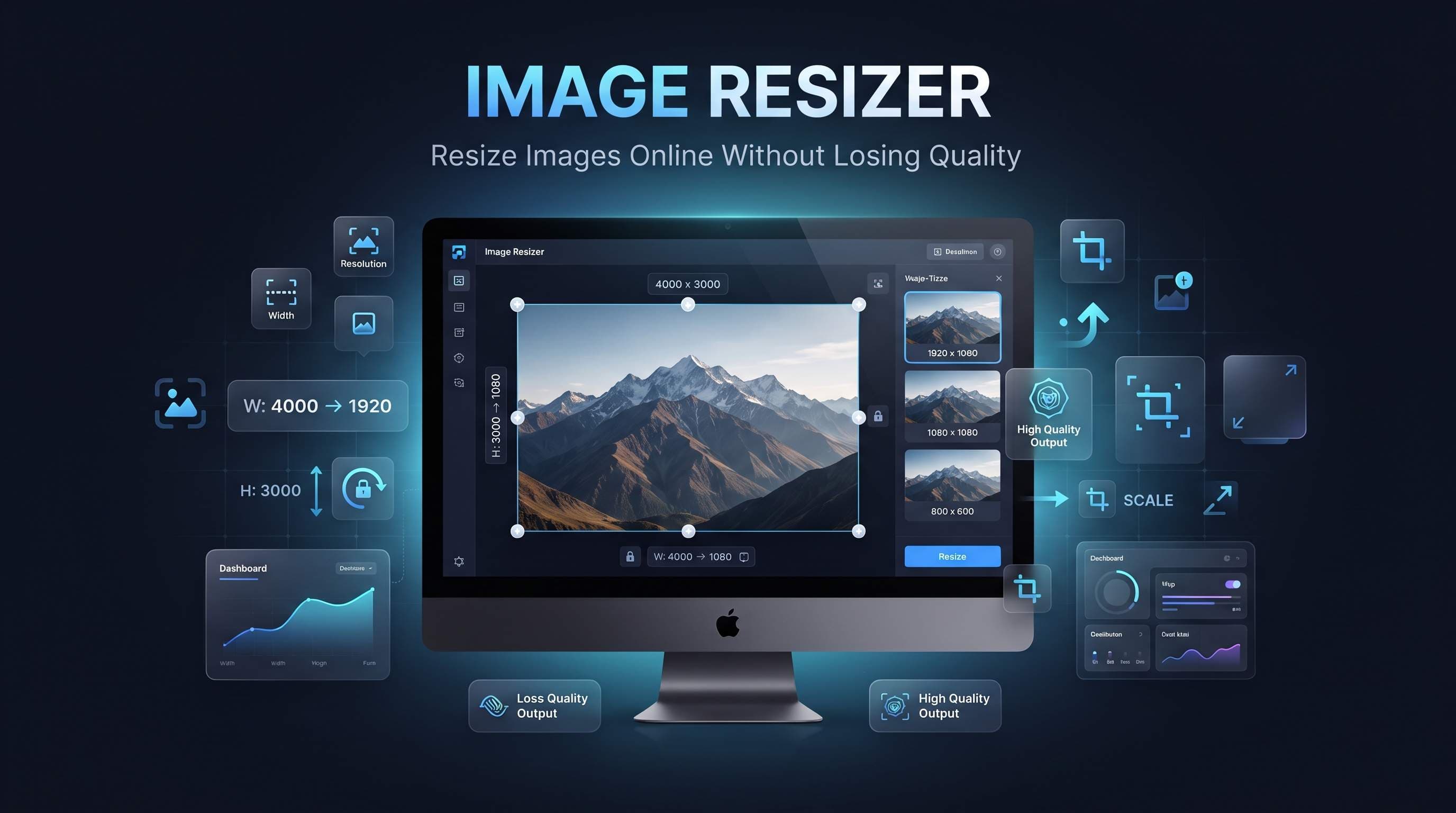
How to Resize Images Online
Images play an important role in websites, social media, online stores, presentations, and digital marketing. However, images don't always have the correct dimensions for every platform.
An Image Resizer helps you quickly change the width and height of an image while maintaining excellent visual quality.
Our free Image Resizer allows you to resize images online in just a few seconds without installing any software.
What is an Image Resizer?
An Image Resizer is a tool that changes the dimensions of an image.
Instead of changing file size through compression, resizing modifies the image's:
- Width
- Height
- Resolution
- Pixel dimensions
This makes images suitable for different devices and platforms.
Why Resize Images?
Different websites require different image sizes.
Resizing images helps you:
- Prepare social media posts
- Upload profile pictures
- Optimize website images
- Create banners
- Resize product photos
- Fit presentation slides
- Meet upload requirements
- Save editing time
Using the correct dimensions improves both appearance and performance.
Common Uses
People resize images every day for different purposes.
Popular examples include:
- Facebook posts
- Instagram images
- LinkedIn profile photos
- YouTube thumbnails
- Website banners
- Product images
- Blog posts
- Online stores
- Email marketing
- Digital advertisements
Almost every online platform recommends specific image dimensions.
Benefits of Using an Image Resizer
Resizing images provides many advantages.
These include:
- Better compatibility
- Faster uploads
- Improved website appearance
- Better user experience
- Optimized layouts
- Consistent image sizes
- Professional presentation
- Easier content management
Correctly sized images make websites look cleaner and more professional.
Resize vs Compress Images
Many users confuse these two operations.
Image Resizing
Resizing changes an image's dimensions.
For example:
- 4000 × 3000 pixels
- becomes
- 1200 × 900 pixels
Image Compression
Compression reduces the file size by optimizing image data.
It focuses on storage size rather than dimensions.
In many cases, resizing and compression are used together for the best results.
Who Uses Image Resizers?
Image Resizers are useful for:
- Bloggers
- Students
- Graphic designers
- Content creators
- Web developers
- Social media managers
- E-commerce sellers
- Photographers
- Digital marketers
- Business owners
Anyone working with digital images can benefit from resizing them.
How to Resize Images Online
Resizing an image online is quick and simple.
Follow these easy steps:
- Open the Image Resizer tool.
- Upload your image.
- Enter the desired width and height.
- Keep the aspect ratio if needed.
- Click Resize Image.
- Download your resized image instantly.
No software installation or account is required.
Best Practices for Image Resizing
To achieve the best results, follow these recommendations.
- Maintain the aspect ratio whenever possible.
- Choose dimensions suitable for your platform.
- Avoid enlarging very small images.
- Save the original image before resizing.
- Use modern image formats like WebP when supported.
- Compress images after resizing for smaller file sizes.
- Preview the image before downloading.
Following these practices helps preserve image quality and ensures better compatibility.
Common Mistakes
Many users accidentally reduce image quality while resizing.
Common mistakes include:
- Stretching images without preserving the aspect ratio.
- Enlarging low-resolution images too much.
- Using incorrect dimensions for social media platforms.
- Ignoring recommended image sizes.
- Uploading images that are already too small.
- Forgetting to optimize the resized image before publishing.
Avoiding these mistakes results in cleaner and more professional-looking images.
Why Image Size Matters
Using the correct image dimensions improves both appearance and performance.
Properly sized images help:
- Improve website loading speed.
- Reduce bandwidth usage.
- Enhance user experience.
- Improve mobile responsiveness.
- Meet upload requirements.
- Maintain design consistency.
- Increase engagement on social media.
- Improve SEO performance.
Choosing the correct image size is an important part of web optimization.
Recommended Image Sizes
Different platforms require different image dimensions.
Some common examples include:
- Instagram Post — 1080 × 1080 px
- Facebook Cover — 851 × 315 px
- YouTube Thumbnail — 1280 × 720 px
- LinkedIn Profile — 400 × 400 px
- X (Twitter) Header — 1500 × 500 px
- Website Banner — Depends on the layout
- Blog Featured Image — Commonly 1200 × 630 px
Always check the latest recommendations for the platform you're using.
Why Use an Online Image Resizer?
Our Image Resizer offers several advantages.
- Completely free
- No registration required
- Fast processing
- High-quality resizing
- Browser-based
- Mobile friendly
- Easy to use
- Supports popular image formats
- Works on Windows, macOS, Linux, Android, and iPhone
Whether you're preparing images for a website, online store, blog, or social media, our tool helps resize images quickly and efficiently.
Frequently Asked Questions
Will resizing reduce image quality?
Not necessarily. When resized correctly, images maintain excellent visual quality. Extreme enlargement may reduce sharpness.
Can I resize JPG and PNG images?
Yes. Our Image Resizer supports popular image formats including JPG, JPEG, PNG, WebP, and others.
Can I resize images for social media?
Yes. You can easily resize images to match the recommended dimensions for Instagram, Facebook, LinkedIn, YouTube, X, and other platforms.
Do I need to install any software?
No. Everything works directly in your browser.
Is the Image Resizer free?
Yes. Our online Image Resizer is completely free and requires no downloads or registration.
Conclusion
An Image Resizer is an essential tool for anyone working with digital images. Whether you're preparing photos for social media, optimizing website graphics, creating product images, or adjusting pictures for presentations, resizing helps ensure your images fit perfectly while maintaining great quality.
Our free online Image Resizer provides a fast, secure, and easy way to change image dimensions without installing software. Resize your images in seconds, improve visual consistency, and create perfectly sized images for any platform with our simple and reliable Image Resizer.