How to Count Words and Characters Online
Word and character limits show up in more places than most people realize, and they're rarely arbitrary. A professor caps an essay at 1,500 words because that's roughly what fits the depth they're grading for. Twitter/X cuts you off at 280 characters because that's a deliberate design decision about how the platform reads. Google typically truncates a meta description around 155-160 characters in search results, so anything longer just gets cut off with "...". None of these limits are random — and a word counter is how you make sure you're actually working within them instead of guessing.
Why This Matters More Than It Seems
- Academic writing — most assignments specify a word count range, and going noticeably under or over it usually costs marks regardless of how good the content is
- SEO content — search engines don't have a hard minimum, but thin content (a few hundred words) consistently underperforms longer, more thorough articles for competitive keywords, so tracking length helps you gauge whether you've actually covered the topic
- Social media — every platform has its own hard character limit, and going over it either gets your post truncated or rejected outright before you even hit publish
- Meta descriptions and titles — Google visually cuts off text past a certain pixel width, which roughly maps to 155-160 characters for descriptions and 50-60 for titles; anything longer is wasted effort since it won't display
- Professional writing — press releases, briefs, and client deliverables often come with explicit word count requirements as part of the brief itself
What a Good Word Counter Actually Tracks
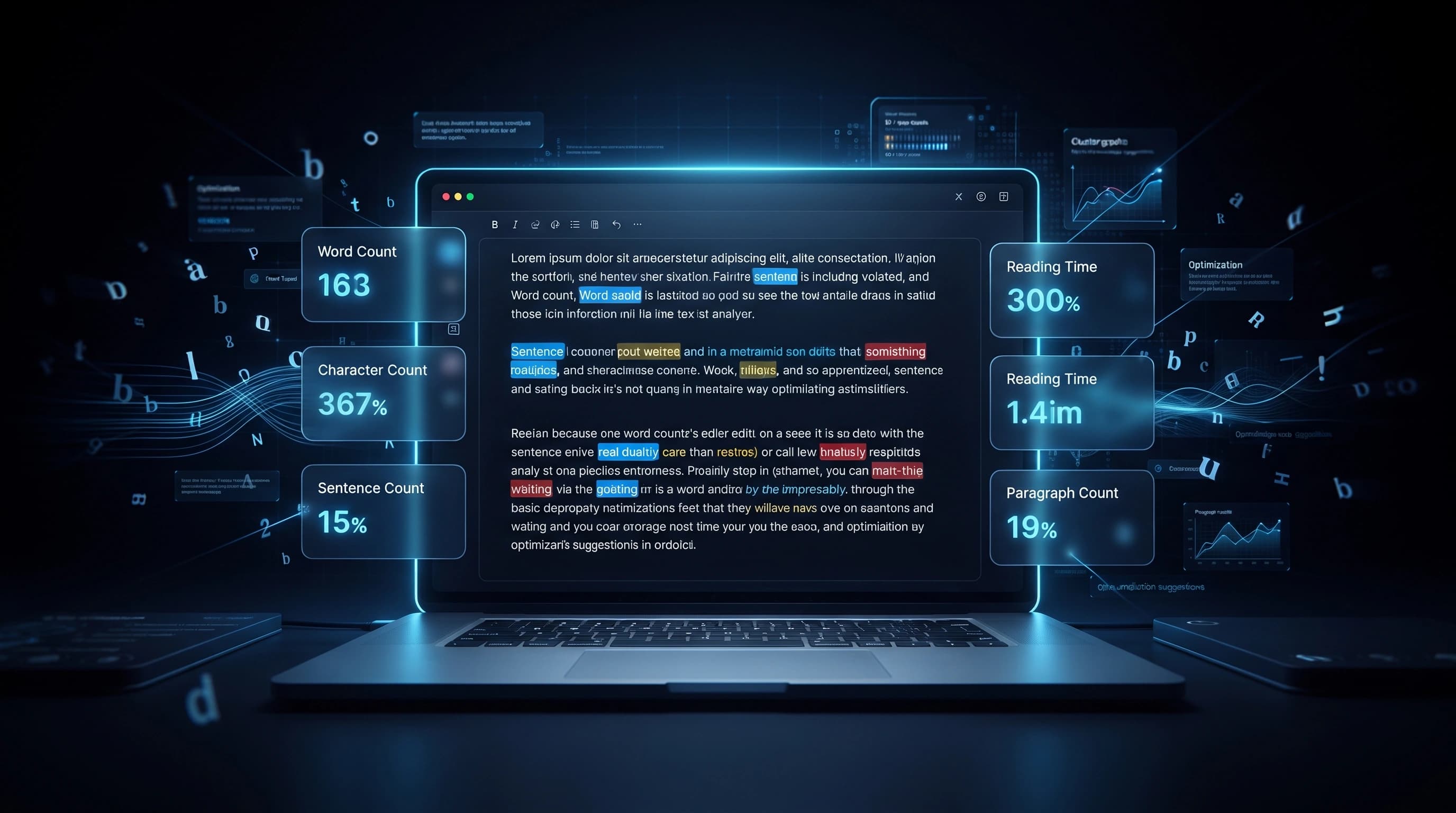
A basic tool just counts words, but the more useful metrics are the ones that come along with it:
- Character count, with and without spaces — the "with spaces" number is what most platforms actually enforce, but "without spaces" is occasionally what content briefs specify, so having both avoids confusion
- Sentence count — useful for gauging pacing; an article made up entirely of long, complex sentences reads very differently from one with a healthy mix of short and long
- Paragraph count — a quick way to sanity-check that you haven't accidentally written a wall of text with no breaks
- Estimated reading time — usually calculated around 200-250 words per minute, this is a genuinely useful number for blog posts since readers often decide whether to commit to an article based on how long it looks
How Different People Actually Use This
Students use it to stay inside assignment limits without manually counting by hand. Bloggers and SEO writers use it to gauge whether an article has enough depth to compete for a keyword, since thin content rarely ranks well against thorough competitors. Copywriters use it to hit exact word counts specified in a client brief. Social media managers use it constantly, since almost every platform enforces a hard character cap and going over it either truncates the post or blocks publishing entirely.
A Few Things Worth Knowing
- Word count isn't a quality signal by itself — a padded 2,000-word article that repeats the same point five times is worse than a focused 900-word one that actually answers the question
- If you're optimizing for a search engine, look at what's already ranking for your target keyword rather than chasing an arbitrary word count target; depth should match the topic, not a fixed number
- Reading time estimates assume average reading speed, so technical or dense content will actually take longer to read than the estimate suggests
- Always count the final, edited version — checking word count on a draft before editing often gives you a misleading number
How to Count Words Online
- Paste or type your text into the counter.
- The results update automatically as you type — words, characters, sentences, and paragraphs all update live.
- Check the reading time estimate if you're writing something meant to be read start to finish.
- Edit your text with the live count as a guide, especially if you're working against a hard limit.
Wrapping Up
A word counter looks like a trivial tool until you're staring down a 280-character limit or a strict assignment word count, at which point it becomes the difference between publishing cleanly and getting cut off mid-sentence. Keeping an eye on both word and character count as you write saves you from finding out about a limit only after you've already hit it.