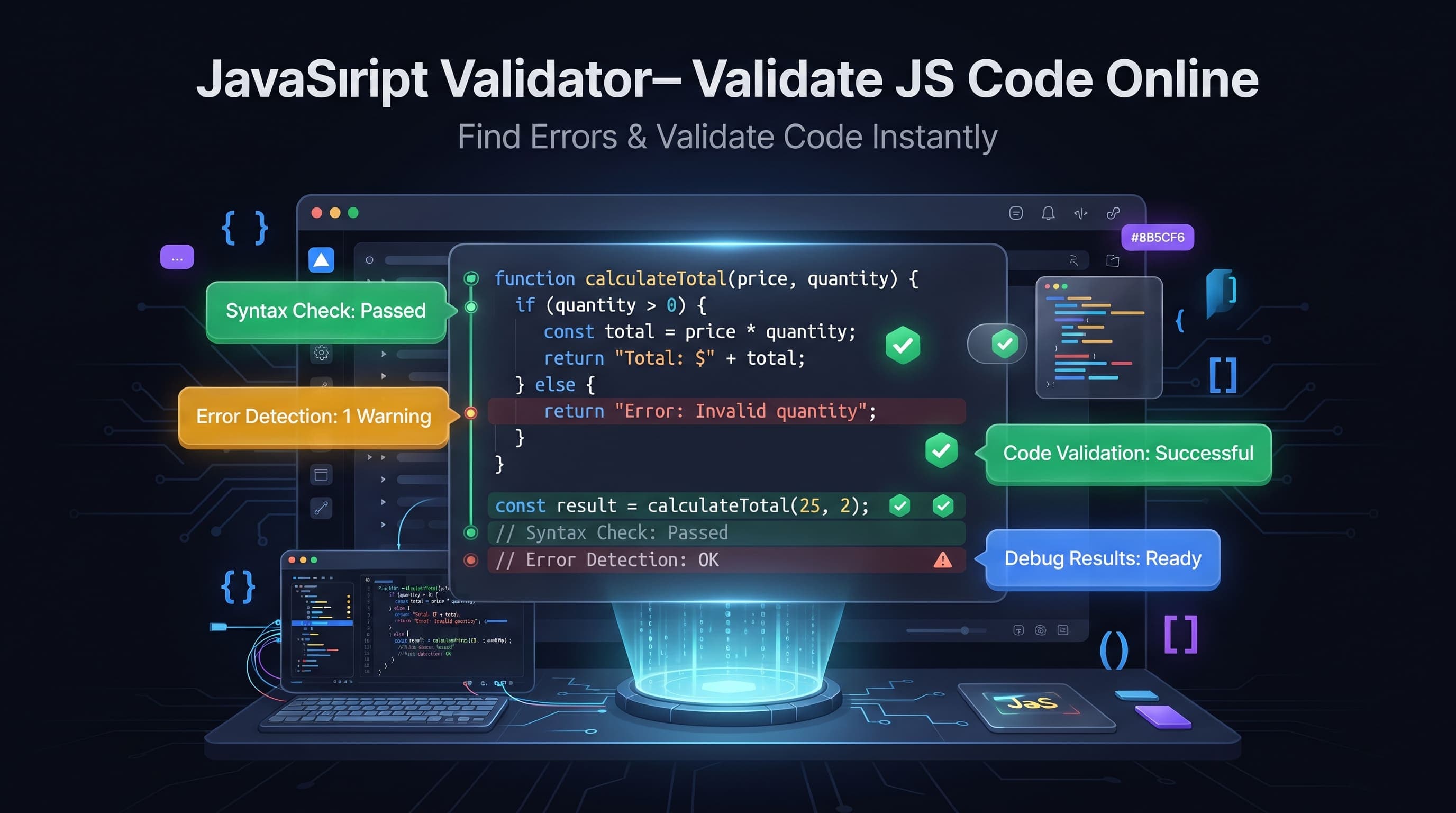
How to Validate JSON Online
JSON (JavaScript Object Notation) has become the standard format for exchanging data between applications, APIs, databases, and web services. Even a small syntax mistake can prevent your application from working correctly.
A JSON Validator helps you instantly check whether your JSON is valid, identify syntax errors, and ensure your data follows the correct structure.
Our free JSON Validator makes debugging JSON quick, accurate, and effortless.
What is JSON Validation?
JSON validation is the process of checking whether a JSON document follows the official JSON specification.
A validator verifies that:
- Objects are correctly formatted.
- Arrays are properly closed.
- Quotes are correctly placed.
- Commas appear in the right positions.
- Brackets are balanced.
- Keys and values follow valid JSON syntax.
If an error exists, the validator highlights it so you can fix it quickly.
Why Validate JSON?
JSON is used almost everywhere in modern software development.
Validating JSON helps:
- Prevent application errors
- Debug API responses
- Verify configuration files
- Improve code quality
- Reduce development time
- Detect syntax mistakes
- Improve data reliability
- Ensure compatibility
Even a missing comma can break an entire application.
Common JSON Errors
Developers frequently encounter these JSON mistakes.
Some common examples include:
- Missing commas
- Missing quotation marks
- Extra commas
- Unclosed braces
- Unclosed arrays
- Invalid characters
- Incorrect nesting
- Duplicate keys
A JSON Validator detects these problems immediately.
Where JSON Validation is Used
JSON validation is useful in many situations.
Common use cases include:
- REST APIs
- GraphQL APIs
- Configuration files
- Mobile applications
- Web applications
- Cloud services
- Database exports
- Frontend development
- Backend development
- Software testing
Almost every modern programming language supports JSON.
Benefits of Using a JSON Validator
Using an online JSON Validator provides many advantages.
- Instant error detection
- Better debugging
- Cleaner code
- Improved productivity
- Faster development
- Accurate validation
- Beginner friendly
- Browser-based access
Whether you're building an API or editing configuration files, JSON validation helps avoid unnecessary problems.
JSON Validator vs JSON Formatter
Many people confuse these two tools.
JSON Validator
A validator checks whether JSON is syntactically correct.
It reports errors but does not necessarily change the formatting.
JSON Formatter
A formatter organizes valid JSON using proper indentation and spacing, making it easier to read.
Most developers use both tools together during development.
How to Validate JSON Online
Validating JSON online is simple and only takes a few seconds.
Follow these steps:
- Open the JSON Validator tool.
- Paste your JSON data into the editor.
- Click Validate JSON.
- Instantly view whether your JSON is valid.
- If errors are found, correct them and validate again.
No software installation or registration is required.
Best Practices for JSON Validation
Following a few best practices can help you avoid common JSON issues.
- Always validate JSON before using it in production.
- Keep property names enclosed in double quotes.
- Use proper indentation for readability.
- Avoid trailing commas.
- Validate API responses before processing them.
- Keep your JSON structure consistent.
- Test configuration files after making changes.
These practices reduce errors and improve application reliability.
Common Mistakes
Even experienced developers occasionally make JSON syntax mistakes.
Some common errors include:
- Missing commas between properties.
- Using single quotes instead of double quotes.
- Leaving trailing commas.
- Forgetting to close braces or brackets.
- Incorrect nesting of objects and arrays.
- Using comments inside JSON.
- Adding invalid data types.
A JSON Validator quickly identifies these problems before they cause application failures.
Why JSON Validation Matters
Valid JSON is essential for smooth communication between systems.
Proper validation helps:
- Prevent API failures.
- Reduce debugging time.
- Improve software quality.
- Ensure data consistency.
- Avoid application crashes.
- Simplify troubleshooting.
- Improve collaboration between teams.
- Build reliable applications.
Even a tiny syntax mistake can prevent an entire API request from working.
Who Uses JSON Validators?
JSON Validators are useful for many professionals.
Including:
- Frontend developers
- Backend developers
- Full-stack developers
- Mobile app developers
- API developers
- DevOps engineers
- QA testers
- Database administrators
- Students
- Software engineers
Anyone working with JSON data can benefit from validating it before use.
Why Use an Online JSON Validator?
Our online JSON Validator offers several advantages.
- Completely free
- No registration required
- Fast validation
- Instant error detection
- Browser-based
- Mobile friendly
- Easy to use
- Accurate syntax checking
- Works on all modern devices
Whether you're debugging an API response or checking a configuration file, our tool provides quick and reliable validation.
Frequently Asked Questions
What happens if my JSON is invalid?
The validator detects syntax errors and highlights the problem so you can correct it before using the JSON.
Does a JSON Validator change my data?
No. It only checks whether your JSON follows the correct syntax unless you choose to format it separately.
Can I validate large JSON files?
Yes. Large JSON documents can be validated, although performance depends on your browser and available system memory.
What's the difference between validating and formatting JSON?
Validation checks whether the JSON syntax is correct, while formatting improves readability by adding indentation and proper spacing.
Is this JSON Validator free?
Yes. Our online JSON Validator is completely free and works directly in your browser without requiring downloads or installation.
Conclusion
A JSON Validator is an essential tool for developers, testers, and anyone working with APIs or structured data. It quickly identifies syntax errors, verifies JSON structure, and helps ensure your data is valid before it is used in applications or databases.
Whether you're debugging API responses, editing configuration files, or learning JSON, our free online JSON Validator provides a fast, accurate, and reliable way to validate your data. Check your JSON instantly, fix errors with confidence, and build more reliable applications using our easy-to-use validation tool.