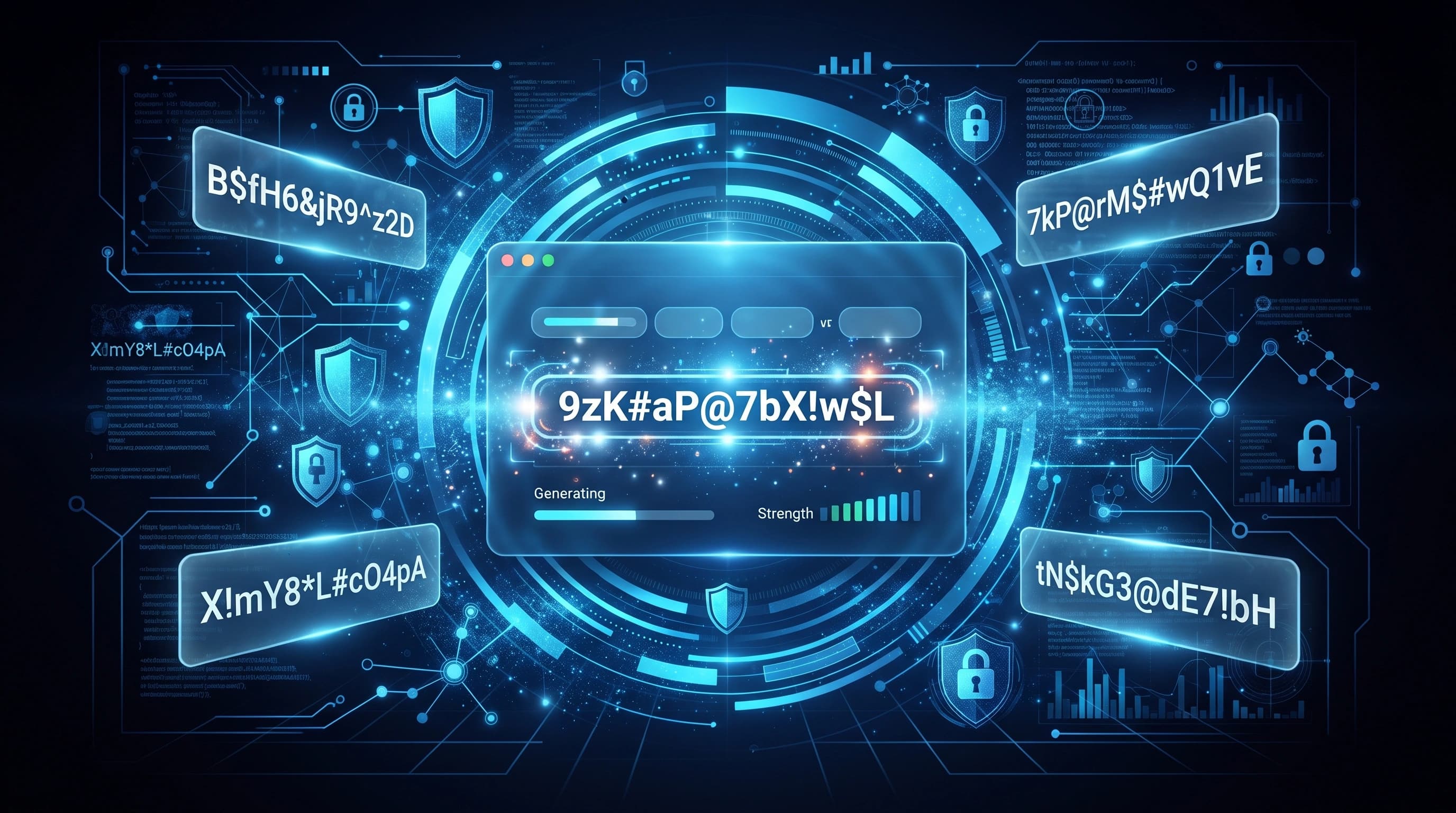
How to Use Password Generator Online
Passwords are the first line of defense for your online accounts. Whether you're creating a social media account, online banking login, email account, or business dashboard, using a strong password is one of the easiest ways to improve your online security.
Many people still use weak passwords like 123456, password, or their birth date. These passwords can often be guessed or cracked within seconds. A password generator helps solve this problem by creating long, random, and secure passwords that are difficult for attackers to predict.
What Is a Password Generator?
A password generator is an online tool that automatically creates strong and random passwords using different combinations of:
- Uppercase letters
- Lowercase letters
- Numbers
- Special characters
- Custom password length
Instead of thinking of a password yourself, the tool generates one that follows modern security best practices.
Why Strong Passwords Matter
Using a weak password increases the risk of unauthorized access to your accounts. Cybercriminals use automated software that can test millions of password combinations every second.
A strong password helps protect:
- Email accounts
- Social media profiles
- Online banking
- Shopping websites
- Cloud storage
- Business accounts
- Personal information
The stronger your password is, the more difficult it becomes for attackers to break it.
Features of a Good Password
A secure password should include:
- At least 12 to 16 characters
- Uppercase and lowercase letters
- Numbers
- Special symbols
- Random combinations without common words
Avoid using:
- Your name
- Birth dates
- Phone numbers
- Dictionary words
- Repeated characters
- Simple patterns like 123456 or qwerty
How to Generate a Secure Password
Using the ToolsNestX Password Generator is simple.
- Open the Password Generator tool.
- Choose your preferred password length.
- Select character options.
- Click Generate Password.
- Copy the generated password.
- Save it in a trusted password manager.
Example Password
F#8mQ@2Lp!9Xv$4N
This password contains uppercase letters, lowercase letters, numbers, and symbols, making it significantly stronger than common passwords.
Best Practices for Password Security
Creating a strong password is only the first step. You should also follow good security habits to keep your accounts protected.
Some important password security tips include:
- Use a unique password for every account.
- Never reuse the same password on multiple websites.
- Change important passwords regularly.
- Store passwords in a trusted password manager.
- Never share your passwords with anyone.
- Avoid saving passwords on public computers.
- Enable Multi-Factor Authentication (MFA) whenever available.
Following these simple practices greatly reduces the risk of unauthorized account access.
Common Password Mistakes
Many people unknowingly create passwords that are easy to guess.
Avoid these common mistakes:
- Using your name or family member's name.
- Including your birthday or phone number.
- Using simple sequences like 12345678.
- Choosing common words such as "password" or "admin".
- Reusing one password for every website.
- Writing passwords on paper where others can see them.
Even a long password can become weak if it contains predictable information.
Should You Use a Password Manager?
Yes. A password manager helps you securely store all your passwords in one encrypted vault.
Benefits include:
- Generate stronger passwords.
- Store unlimited passwords securely.
- Autofill login credentials.
- Sync passwords across multiple devices.
- Reduce the need to remember dozens of passwords.
Instead of remembering every password, you only need to remember one strong master password.
Enable Multi-Factor Authentication (MFA)
Even the strongest password can be compromised in rare situations.
Adding Multi-Factor Authentication (MFA) provides an additional layer of protection.
With MFA enabled, logging in usually requires:
- Your password
- A verification code
- Authentication app approval
- Security key or biometric verification
This makes it much more difficult for attackers to access your account.
When Should You Generate a New Password?
It's recommended to generate a new password when:
- Creating a new online account.
- Updating an old or weak password.
- A website reports a security breach.
- You suspect someone knows your password.
- Sharing access with someone temporarily.
Changing passwords regularly for important accounts helps maintain better security.
Why Use the ToolsNestX Password Generator?
Our Password Generator is designed to create secure passwords instantly without requiring registration or software installation.
Benefits include:
- Fast password generation.
- Strong random combinations.
- Free to use.
- Works directly in your browser.
- No downloads required.
- User-friendly interface.
- Compatible with desktop and mobile devices.
Whether you need a password for email, banking, social media, business accounts, or cloud storage, the ToolsNestX Password Generator makes the process simple and secure.
Conclusion
Strong passwords remain one of the most effective ways to protect your online identity. Instead of creating predictable passwords manually, use a trusted password generator to create secure, random combinations that significantly improve your digital security.
Start using the ToolsNestX Password Generator today to create stronger passwords, protect your personal information, and reduce the risk of unauthorized access to your online accounts.