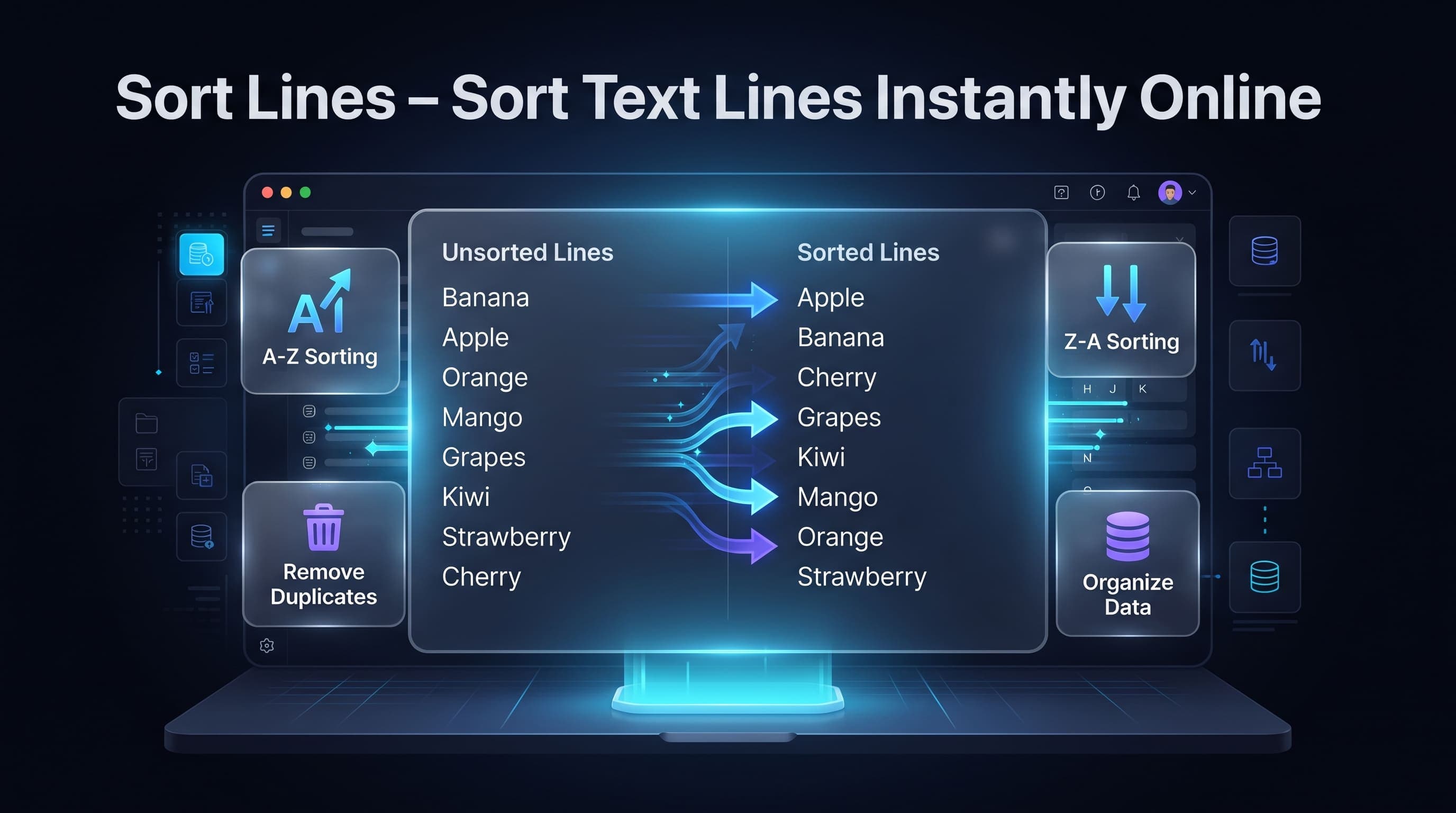
How to Sort Lines Online
Sorting lines of text is a simple but powerful way to organize information. Whether you're managing names, email addresses, keywords, code snippets, product lists, or any other text, a Sort Lines tool helps arrange everything into a clear and structured order.
Instead of sorting manually, our free online Sort Lines tool organizes your text instantly, saving time and reducing mistakes.
What is a Sort Lines Tool?
A Sort Lines tool automatically rearranges each line of text into a chosen order.
It can sort text:
- Alphabetically (A–Z)
- Reverse Alphabetically (Z–A)
- Numerically
- Ascending order
- Descending order
Each line is treated as a separate entry, making it perfect for lists and structured text.
Why Use a Sort Lines Tool?
Sorting text manually becomes difficult as the list grows.
Using an online Sort Lines tool provides several benefits.
- Organize large text lists
- Save valuable time
- Improve readability
- Reduce manual errors
- Prepare data for reports
- Clean unordered content
- Simplify text management
- Increase productivity
Common Uses
People use Sort Lines for many different tasks.
Popular examples include:
- Sorting names
- Organizing email lists
- Product inventories
- Keyword lists
- Programming data
- Server logs
- CSV values
- School projects
- Research data
- Contact lists
Whether you're a student or a developer, sorting text makes information much easier to understand.
Types of Sorting
Different situations require different sorting methods.
Alphabetical Sorting
Arranges text from A to Z.
Example:
Apple
Banana
Orange
Reverse Alphabetical Sorting
Arranges text from Z to A.
Example:
Orange
Banana
Apple
Numerical Sorting
Sorts numbers from the smallest value to the largest.
Example:
5
18
120
250
Reverse Numerical Sorting
Displays numbers from the highest value to the lowest.
Useful for rankings, scores, and reports.
Benefits of Sorting Text
Sorting improves organization and makes large amounts of information easier to work with.
Advantages include:
- Better readability
- Faster searching
- Easier editing
- Cleaner datasets
- Improved workflow
- Better collaboration
- Professional formatting
- Time savings
How to Sort Lines Online
Sorting lines online is fast and easy.
Follow these simple steps:
- Open the Sort Lines tool.
- Paste your text into the input box.
- Choose the sorting method.
- Click Sort Lines.
- Copy or download the sorted output.
No software installation or registration is required.
Best Practices
To get the best results, follow these recommendations.
- Remove unnecessary blank lines before sorting.
- Decide whether you need alphabetical or numerical sorting.
- Keep a backup of the original text if required.
- Remove duplicate lines separately if needed.
- Review the sorted output before using it.
- Use UTF-8 text encoding for multilingual content.
These practices help produce clean and accurate results.
Common Mistakes
Many users make simple mistakes while sorting text.
Common examples include:
- Expecting duplicate lines to be removed automatically.
- Mixing numbers and text in the same list.
- Forgetting to remove blank lines.
- Using alphabetical sorting for numerical data.
- Accidentally sorting already organized content.
- Ignoring uppercase and lowercase differences.
Avoiding these mistakes improves accuracy.
Alphabetical vs Numerical Sorting
Understanding the difference between sorting methods is important.
Alphabetical Sorting
Alphabetical sorting arranges text based on letters.
Example:
Apple
Banana
Cherry
Dog
This method is ideal for:
- Names
- Cities
- Keywords
- Product titles
- Categories
Numerical Sorting
Numerical sorting arranges numbers according to their value.
Example:
5
20
100
250
This method is useful for:
- Scores
- Prices
- IDs
- Rankings
- Statistics
Choosing the correct sorting option ensures accurate results.
Who Uses Sort Lines Tools?
Sort Lines tools are useful for many people.
Including:
- Students
- Teachers
- Developers
- Data analysts
- Researchers
- Bloggers
- SEO professionals
- Office workers
- Content writers
- Database administrators
Anyone working with lists can save time by sorting text automatically.
Why Use an Online Sort Lines Tool?
Our online Sort Lines tool offers many useful features.
- Completely free
- No registration required
- Fast processing
- Instant results
- Browser-based
- Mobile friendly
- Easy to use
- Supports large text lists
- Works on Windows, macOS, Linux, Android, and iPhone
Whether you're organizing a small list or thousands of lines of text, our tool makes the process quick and effortless.
Frequently Asked Questions
Can I sort lines alphabetically?
Yes. You can sort text from A to Z or reverse it from Z to A with a single click.
Does sorting remove duplicate lines?
No. Sorting only changes the order of the lines. If you want to remove duplicate entries, use a dedicated Remove Duplicate Lines tool.
Can I sort numbers?
Yes. The tool supports numerical sorting as well as alphabetical sorting.
Is there a limit on the number of lines?
The tool is designed to handle both small and large text lists efficiently, depending on your browser's available memory.
Is the Sort Lines tool free?
Yes. Our online Sort Lines tool is completely free and works directly in your browser without requiring downloads or installation.
Conclusion
A Sort Lines tool is an easy and effective way to organize text, lists, and datasets. Whether you need to alphabetize names, sort numerical values, arrange keywords, or clean large collections of text, it helps improve accuracy while saving time.
Our free online Sort Lines tool provides fast, secure, and reliable sorting directly in your browser. Organize your text in seconds, improve productivity, and simplify everyday text management with our powerful and easy-to-use sorting utility.